Log In Sign Up
ABOUT US COURSES SERVICES CONTACT US
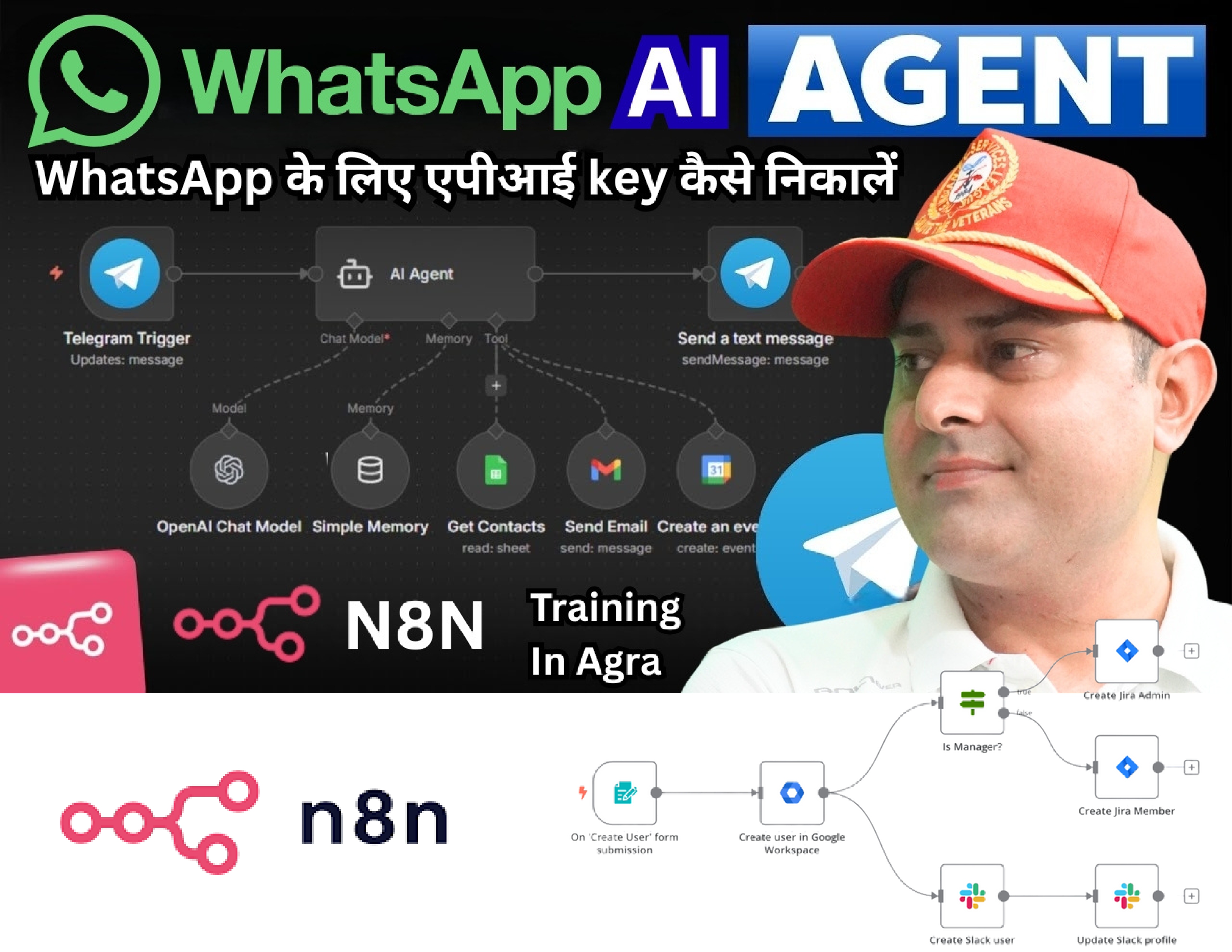
N8N Online training

πŸ€– WhatsApp AI Agent on n8n β€” Complete Course Syllabus

Build WhatsApp AI Agents with N8N

New

Created by Digiwebengineers

Last updated 1/2026 Hindi Advanced 1 week
Course Price
β‚Ή3,599 one-time
Book Now
πŸ€– WhatsApp AI Agent on n8n β€” Complete Course Syllabus
Course Overview
Course Content

About This Course

Everything you need to go from beginner to professional β€” step by step.

πŸ€– WhatsApp AI Agent on n8n β€” Complete Course Syllabus


πŸ“¦ Module 1: Introduction & Overview

  • n8n kya hai β€” No-Code Automation tool
  • WhatsApp AI Agent kya hota hai
  • Real world use cases:
    • πŸ›οΈ E-commerce order updates
    • πŸ₯ Doctor appointment booking
    • πŸŽ“ Course enrollment automation
    • πŸ’Ό Lead follow-up automation
  • n8n vs Zapier vs Make β€” kya fark hai
  • Is course mein kya kya banayenge

πŸ“¦ Module 2: n8n Setup & Installation

  • n8n.io account banana β€” Cloud version
  • Self-hosted n8n setup (VPS par)
    • Railway.app par free deploy karna
    • Render.com par deploy karna
  • n8n interface ka overview:
    • Workflows
    • Nodes
    • Credentials
    • Executions
  • First workflow banana β€” Hello World

πŸ“¦ Module 3: WhatsApp Business API Setup

  • WhatsApp Business API kya hai
  • Meta Business Suite account banana
  • 2 Options:
    • βœ… Meta Official API (free but complex)
    • βœ… Twilio WhatsApp API (easy, paid)
  • Meta Developer Account setup
  • App banana β€” Facebook Developers
  • WhatsApp Business Number verify karna
  • Webhook URL set karna
  • Access Token generate karna

πŸ“¦ Module 4: n8n + WhatsApp Connect Karo

  • n8n mein WhatsApp node setup
  • Webhook trigger configure karna
  • Incoming message receive karna n8n mein
  • Outgoing message bhejne ka flow banana
  • Message types handle karna:
    • Text messages
    • Image messages
    • Audio messages
    • Button replies
  • Test message bhejkar verify karna

πŸ“¦ Module 5: AI Integration β€” OpenAI / Claude

  • OpenAI API account banana
  • API Key generate karna
  • n8n mein OpenAI node setup
  • AI Models:
    • GPT-4o β€” smart responses
    • GPT-3.5 Turbo β€” fast & cheap
  • System Prompt kya hota hai β€” kaise likhein
  • User ka message AI ko bhejke reply lena
  • AI reply WhatsApp par wapas bhejna
  • First AI Agent ready! πŸŽ‰

πŸ“¦ Module 6: Conversation Memory Setup

  • AI ko previous messages yaad dilana
  • Session management kya hota hai
  • Memory Options:
    • Simple Memory (n8n built-in)
    • Google Sheets mein history save karna
    • Airtable mein store karna
    • Supabase (database) use karna
  • User ID se conversation track karna
  • Memory clear karna β€” “reset” command

πŸ“¦ Module 7: Smart AI Agent Banana

  • AI Agent vs Simple Chatbot β€” fark kya hai
  • Tools dena AI Agent ko:
    • πŸ” Google Search tool
    • πŸ“… Google Calendar β€” appointment booking
    • πŸ“Š Google Sheets β€” data fetch karna
    • πŸ“§ Gmail β€” email bhejne ki power
    • 🌐 HTTP Request β€” any API call
  • Agent ko decision lene dena
  • Multi-step task complete karna automatically

πŸ“¦ Module 8: Real World Workflows Banana

πŸ›οΈ Workflow 1 β€” E-commerce Bot

  • Customer order status check karna
  • Return request handle karna
  • Product recommend karna

πŸŽ“ Workflow 2 β€” Course Enrollment Bot

  • Course details dena
  • Fee structure batana
  • Enrollment form Google Sheets mein save karna
  • Confirmation message bhejana

πŸ’Ό Workflow 3 β€” Lead Generation Bot

  • Visitor ka naam, number, requirement lena
  • Google Sheets mein save karna
  • Sales team ko email alert bhejana
  • Follow-up reminder set karna

πŸ₯ Workflow 4 β€” Appointment Booking Bot

  • Available slots dikhana
  • Booking confirm karna
  • Google Calendar mein add karna
  • Reminder message bhejana

πŸ“¦ Module 9: WhatsApp Interactive Messages

  • Button Messages banana
  • List Messages banana
  • Quick Reply buttons
  • Template Messages β€” broadcast kaise karein
  • Media messages β€” image, PDF, video bhejana
  • Location share karna
  • Product catalog show karna

πŸ“¦ Module 10: Deployment & Scaling

  • n8n workflow production mein deploy karna
  • Error handling β€” kuch galat ho toh kya ho
  • Retry logic set karna
  • Webhook security β€” unauthorized access rokna
  • Rate limiting handle karna
  • Multiple WhatsApp numbers manage karna
  • Workflow monitoring & logs

πŸ“¦ Module 11: Business Automation Advanced

  • CRM Integration:
    • HubSpot connect karna
    • Notion database update karna
  • Payment Integration:
    • Razorpay payment link bhejana
    • Payment confirm hone par message
  • Broadcast System:
    • Bulk messages bhejana
    • Segment wise messaging
  • Auto follow-up sequence banana

πŸ“¦ Bonus Module: Freelancing & Business

  • Clients ko WhatsApp AI Agent kaise sell karein
  • Pricing strategy β€” kitna charge karein
    • Basic Bot: β‚Ή15,000 – β‚Ή25,000
    • Advanced AI Agent: β‚Ή50,000 – β‚Ή1,50,000
    • Monthly maintenance: β‚Ή5,000 – β‚Ή15,000
  • Fiverr/Upwork par gig banana
  • Client proposal kaise likhein
  • Real client project walkthrough

πŸ“Š Course Structure Summary

Module Topic Duration
1 Introduction 2 Days
2 n8n Setup 2 Days
3 WhatsApp API 3 Days
4 n8n + WhatsApp Connect 2 Days
5 AI Integration 3 Days
6 Memory Setup 2 Days
7 Smart AI Agent 4 Days
8 Real Workflows 5 Days
9 Interactive Messages 2 Days
10 Deployment 3 Days
11 Advanced Automation 4 Days
Bonus Freelancing 2 Days
Total ~6-7 Weeks

πŸ› οΈ Tools Jo Is Course Mein Use Honge

Tool Kaam
n8n Automation platform
WhatsApp Business API Messaging
OpenAI GPT-4o AI brain
Google Sheets Database
Supabase Advanced DB
Twilio WhatsApp gateway
Railway.app Hosting
Postman API testing

πŸ’° Course Outcome β€” Students Ko Kya Milega

βœ… Fully functional WhatsApp AI Agent banana aayega βœ… Kisi bhi business ke liye automation set kar sakte hain βœ… n8n par complex workflows build kar sakte hain βœ… Freelancing mein β‚Ή50,000–₹1,50,000 per project charge kar sakte hain βœ… Khud ka SaaS product bana sakte hain βœ… Certificate milega DigiWebEngineers ka