Duration: 3 Days (1.5 Hours Daily)
Mode: Live Online Training (Google Meet)
Level: Beginner to Advanced
Certificate: Completion Certificate Included
Course Overview
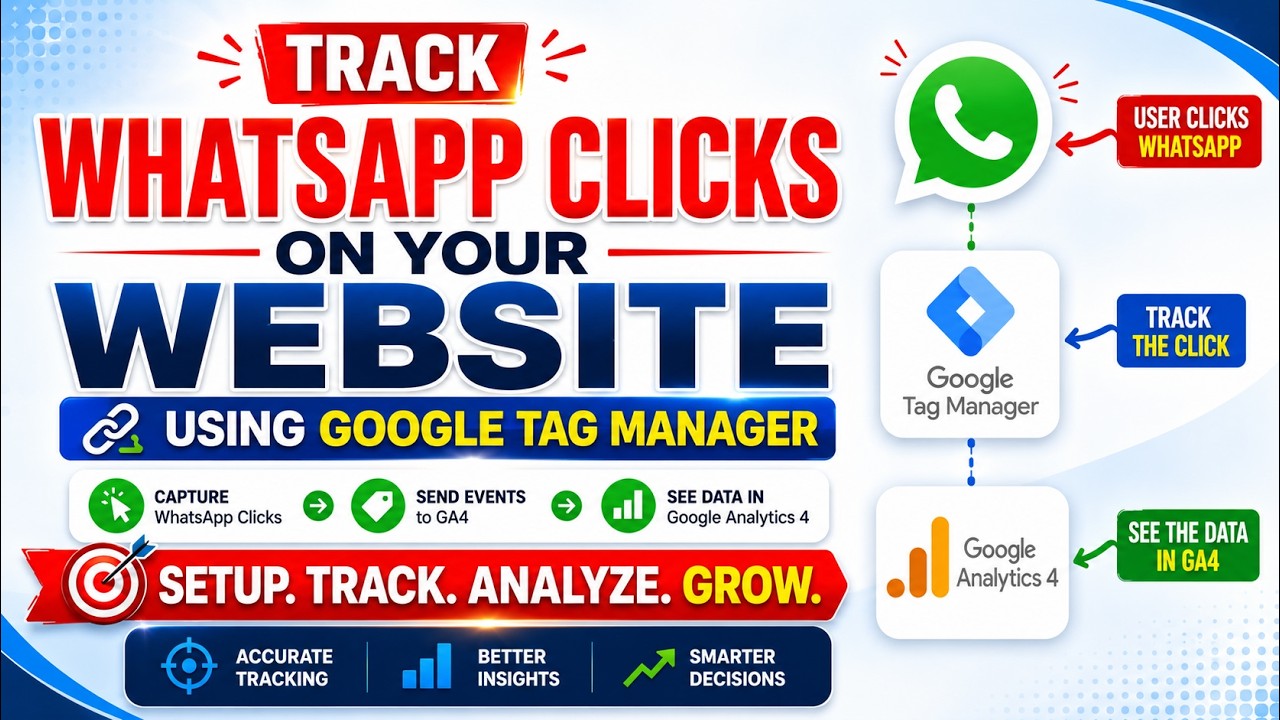
Learn how to track WhatsApp button clicks on your website and measure real leads using Google Tag Manager (GTM) and Google Analytics 4 (GA4). This practical course will teach you how to implement event tracking, create conversions, and analyze WhatsApp interactions to improve lead generation and marketing performance.
Day 1: Fundamentals of GA4 & GTM Setup
Module 1: Introduction to Analytics & Tracking
- What is Google Analytics 4 (GA4)?
- What is Google Tag Manager (GTM)?
- Why WhatsApp click tracking is important
- Understanding events and conversions
- Lead tracking fundamentals
Module 2: Setting Up GA4 & GTM
- Creating a Google Analytics 4 property
- Creating a Google Tag Manager account
- Installing GA4 and GTM on your website
- Verifying installation
- Understanding the GTM interface
Module 3: Event Tracking Basics
- Understanding events and parameters
- Custom events in GA4
- Real-time reporting in GA4
- Event debugging techniques
Day 2: WhatsApp Click Tracking Implementation
Module 4: Tracking WhatsApp Button Clicks
- Identifying WhatsApp buttons and links
- Creating click triggers in GTM
- Setting up variables for tracking
- Configuring WhatsApp click events
- Testing event firing
Module 5: Sending Events to GA4
- Creating GA4 event tags
- Passing event parameters
- Naming conventions for events
- Verifying data in DebugView
- Troubleshooting tracking issues
Day 3: Conversion Tracking & Reporting
Module 6: Creating Conversions
- Marking WhatsApp clicks as conversions
- Setting up key events
- Measuring lead generation performance
- Understanding attribution reports
- Conversion reporting best practices
Module 7: Reporting & Optimization
- Building custom reports
- Analyzing WhatsApp engagement data
- Understanding user journeys
- Optimizing campaigns using analytics
- Advanced tracking tips and best practices
Bonus Resources
✅ GTM Container Templates
✅ WhatsApp Tracking Setup Checklist
✅ GA4 Event Naming Guide
✅ Troubleshooting Documentation
✅ Live Q&A Session
✅ Course Completion Certificate
Who Should Join?
- Digital Marketers
- Business Owners
- Freelancers
- Website Developers
- SEO Professionals
- Performance Marketers
- Marketing Students
- Agency Owners
Course Fee
Special Price: ₹5,000 Only
Duration
3 Days Live Training (1.5 Hours Daily)
Enrollment
📱 Chat on WhatsApp & Reserve Your Seat Now!
https://wa.me/447828729166
🌐 Website: https://digiwebengineers.org
Master WhatsApp Click Tracking, Measure Real Leads, and Improve Conversions with Google Analytics 4 & Google Tag Manager.