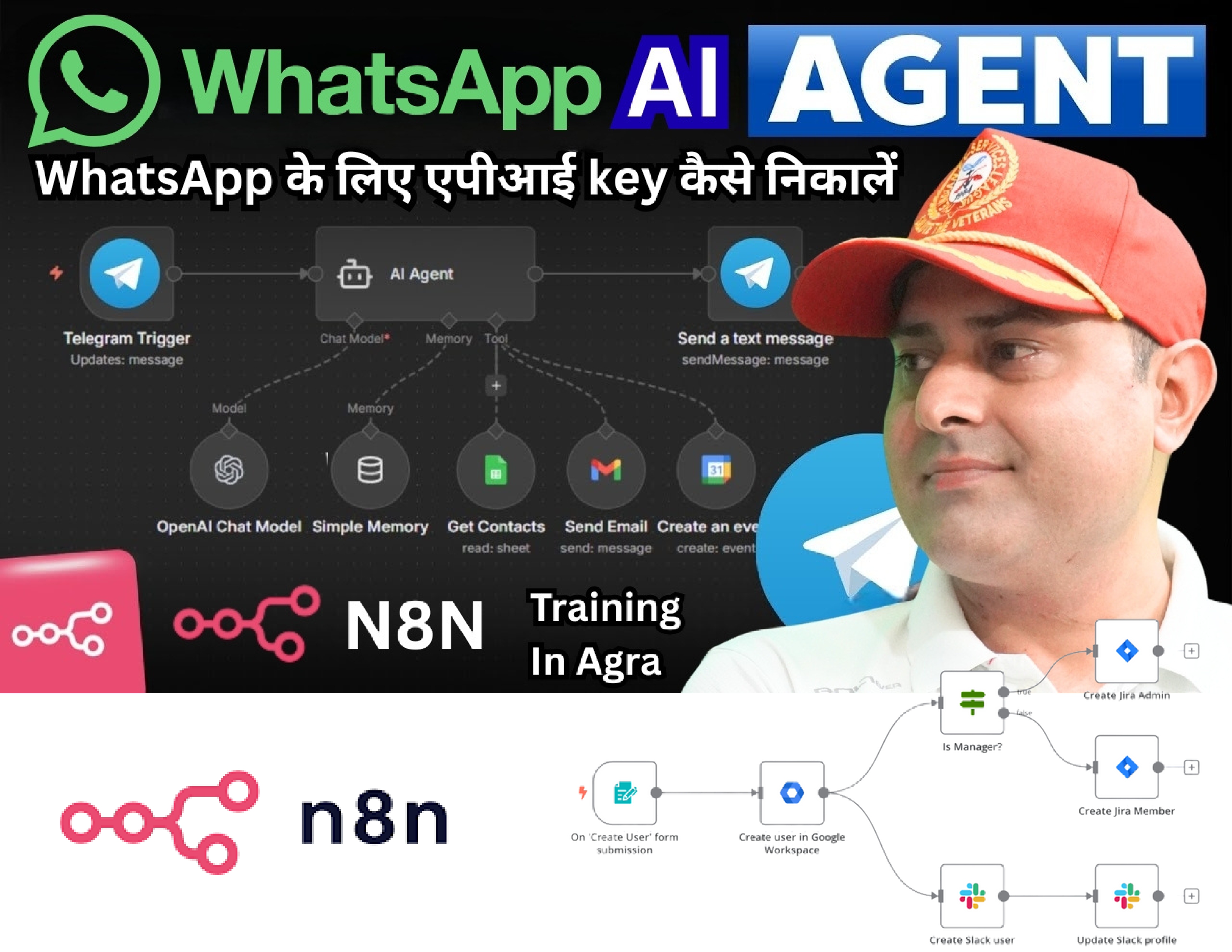
🤖 WhatsApp AI Agent on n8n — Complete Course Syllabus
📦 Module 1: Introduction & Overview
- n8n kya hai — No-Code Automation tool
- WhatsApp AI Agent kya hota hai
- Real world use cases:
- 🛍️ E-commerce order updates
- 🏥 Doctor appointment booking
- 🎓 Course enrollment automation
- 💼 Lead follow-up automation
- n8n vs Zapier vs Make — kya fark hai
- Is course mein kya kya banayenge
📦 Module 2: n8n Setup & Installation
- n8n.io account banana — Cloud version
- Self-hosted n8n setup (VPS par)
- Railway.app par free deploy karna
- Render.com par deploy karna
- n8n interface ka overview:
- Workflows
- Nodes
- Credentials
- Executions
- First workflow banana — Hello World
📦 Module 3: WhatsApp Business API Setup
- WhatsApp Business API kya hai
- Meta Business Suite account banana
- 2 Options:
- ✅ Meta Official API (free but complex)
- ✅ Twilio WhatsApp API (easy, paid)
- Meta Developer Account setup
- App banana — Facebook Developers
- WhatsApp Business Number verify karna
- Webhook URL set karna
- Access Token generate karna
📦 Module 4: n8n + WhatsApp Connect Karo
- n8n mein WhatsApp node setup
- Webhook trigger configure karna
- Incoming message receive karna n8n mein
- Outgoing message bhejne ka flow banana
- Message types handle karna:
- Text messages
- Image messages
- Audio messages
- Button replies
- Test message bhejkar verify karna
📦 Module 5: AI Integration — OpenAI / Claude
- OpenAI API account banana
- API Key generate karna
- n8n mein OpenAI node setup
- AI Models:
- GPT-4o — smart responses
- GPT-3.5 Turbo — fast & cheap
- System Prompt kya hota hai — kaise likhein
- User ka message AI ko bhejke reply lena
- AI reply WhatsApp par wapas bhejna
- First AI Agent ready! 🎉
📦 Module 6: Conversation Memory Setup
- AI ko previous messages yaad dilana
- Session management kya hota hai
- Memory Options:
- Simple Memory (n8n built-in)
- Google Sheets mein history save karna
- Airtable mein store karna
- Supabase (database) use karna
- User ID se conversation track karna
- Memory clear karna — “reset” command
📦 Module 7: Smart AI Agent Banana
- AI Agent vs Simple Chatbot — fark kya hai
- Tools dena AI Agent ko:
- 🔍 Google Search tool
- 📅 Google Calendar — appointment booking
- 📊 Google Sheets — data fetch karna
- 📧 Gmail — email bhejne ki power
- 🌐 HTTP Request — any API call
- Agent ko decision lene dena
- Multi-step task complete karna automatically
📦 Module 8: Real World Workflows Banana
🛍️ Workflow 1 — E-commerce Bot
- Customer order status check karna
- Return request handle karna
- Product recommend karna
🎓 Workflow 2 — Course Enrollment Bot
- Course details dena
- Fee structure batana
- Enrollment form Google Sheets mein save karna
- Confirmation message bhejana
💼 Workflow 3 — Lead Generation Bot
- Visitor ka naam, number, requirement lena
- Google Sheets mein save karna
- Sales team ko email alert bhejana
- Follow-up reminder set karna
🏥 Workflow 4 — Appointment Booking Bot
- Available slots dikhana
- Booking confirm karna
- Google Calendar mein add karna
- Reminder message bhejana
📦 Module 9: WhatsApp Interactive Messages
- Button Messages banana
- List Messages banana
- Quick Reply buttons
- Template Messages — broadcast kaise karein
- Media messages — image, PDF, video bhejana
- Location share karna
- Product catalog show karna
📦 Module 10: Deployment & Scaling
- n8n workflow production mein deploy karna
- Error handling — kuch galat ho toh kya ho
- Retry logic set karna
- Webhook security — unauthorized access rokna
- Rate limiting handle karna
- Multiple WhatsApp numbers manage karna
- Workflow monitoring & logs
📦 Module 11: Business Automation Advanced
- CRM Integration:
- HubSpot connect karna
- Notion database update karna
- Payment Integration:
- Razorpay payment link bhejana
- Payment confirm hone par message
- Broadcast System:
- Bulk messages bhejana
- Segment wise messaging
- Auto follow-up sequence banana
📦 Bonus Module: Freelancing & Business
- Clients ko WhatsApp AI Agent kaise sell karein
- Pricing strategy — kitna charge karein
- Basic Bot: ₹15,000 – ₹25,000
- Advanced AI Agent: ₹50,000 – ₹1,50,000
- Monthly maintenance: ₹5,000 – ₹15,000
- Fiverr/Upwork par gig banana
- Client proposal kaise likhein
- Real client project walkthrough
📊 Course Structure Summary
| Module |
Topic |
Duration |
| 1 |
Introduction |
2 Days |
| 2 |
n8n Setup |
2 Days |
| 3 |
WhatsApp API |
3 Days |
| 4 |
n8n + WhatsApp Connect |
2 Days |
| 5 |
AI Integration |
3 Days |
| 6 |
Memory Setup |
2 Days |
| 7 |
Smart AI Agent |
4 Days |
| 8 |
Real Workflows |
5 Days |
| 9 |
Interactive Messages |
2 Days |
| 10 |
Deployment |
3 Days |
| 11 |
Advanced Automation |
4 Days |
| Bonus |
Freelancing |
2 Days |
| Total |
|
~6-7 Weeks |
🛠️ Tools Jo Is Course Mein Use Honge
| Tool |
Kaam |
| n8n |
Automation platform |
| WhatsApp Business API |
Messaging |
| OpenAI GPT-4o |
AI brain |
| Google Sheets |
Database |
| Supabase |
Advanced DB |
| Twilio |
WhatsApp gateway |
| Railway.app |
Hosting |
| Postman |
API testing |
💰 Course Outcome — Students Ko Kya Milega
✅ Fully functional WhatsApp AI Agent banana aayega ✅ Kisi bhi business ke liye automation set kar sakte hain ✅ n8n par complex workflows build kar sakte hain ✅ Freelancing mein ₹50,000–₹1,50,000 per project charge kar sakte hain ✅ Khud ka SaaS product bana sakte hain ✅ Certificate milega DigiWebEngineers ka