Duration: 1 Hour Live Session
Mode: Live Online Training (Google Meet)
Level: Beginner to Intermediate
Certificate: Completion Certificate Included
Course Overview
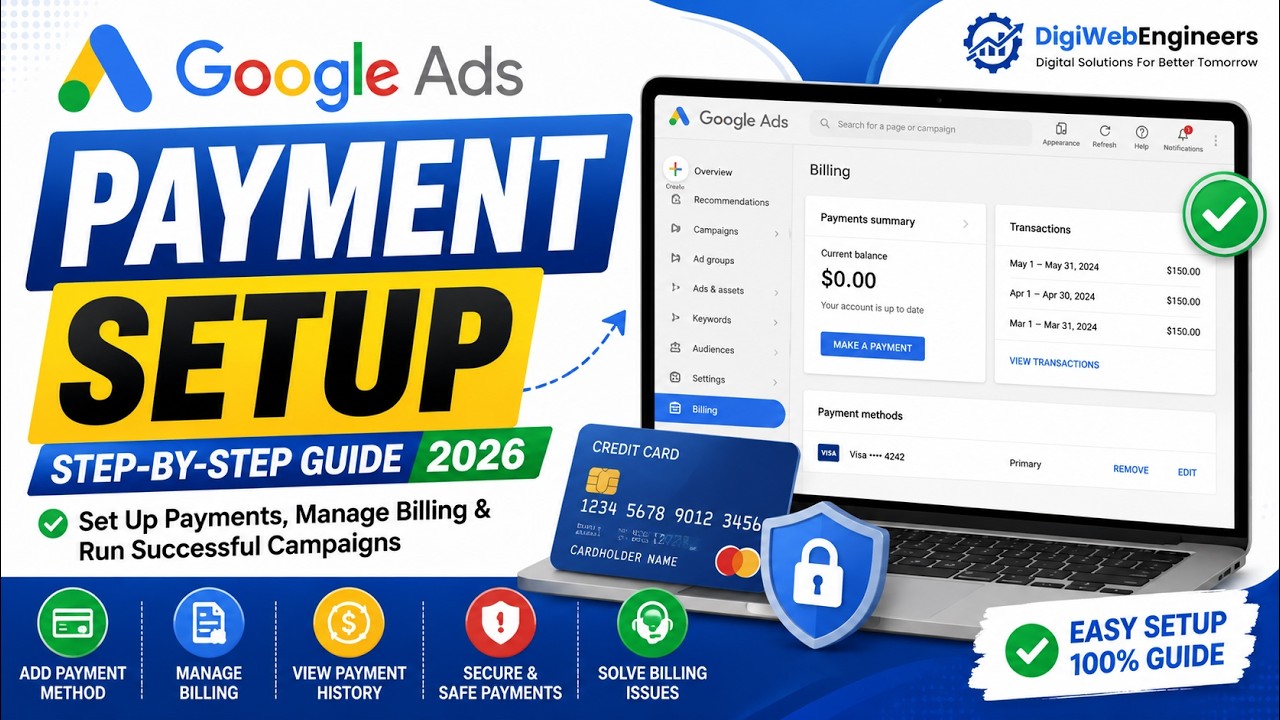
Learn how to set up and manage billing in your Google Ads account with this practical, step-by-step training. This course will help you understand Google Ads payment methods, billing settings, transactions, invoices, and troubleshooting techniques to manage your advertising payments confidently.
What You Will Learn
Module 1: Introduction to Google Ads Billing (10 Minutes)
- Understanding Google Ads billing system
- How Google Ads charges advertisers
- Automatic Payments vs Manual Payments
- Monthly Invoicing Overview
- Understanding billing profiles and accounts
Module 2: Setting Up Payment Methods (15 Minutes)
- Adding a credit card or debit card
- Adding bank account details
- Setting up UPI and supported payment methods
- Updating and removing payment methods
- Making your preferred payment method default
Module 3: Billing Account Configuration (15 Minutes)
- Creating and managing billing settings
- Understanding account budgets
- Viewing billing information and payment history
- Managing transactions and receipts
- Downloading invoices and payment records
Module 4: Billing Troubleshooting & Best Practices (20 Minutes)
- Fixing declined payments
- Resolving suspended billing issues
- Understanding payment verification requirements
- Preventing common billing mistakes
- Best practices for secure account management
Who Should Join?
- Digital Marketing Beginners
- Business Owners
- Freelancers
- Agency Owners
- Marketing Students
- Google Ads Professionals
Course Benefits
✅ Live Step-by-Step Demonstration
✅ Real Google Ads Billing Setup
✅ Practical Payment Management Techniques
✅ Downloadable Learning Resources
✅ Question & Answer Session
✅ Course Completion Certificate
Duration
1 Hour Live Training
Enrollment
📱 Chat on WhatsApp & Reserve Your Seat Now!
https://wa.me/447828729166
🌐 Website: https://digiwebengineers.org