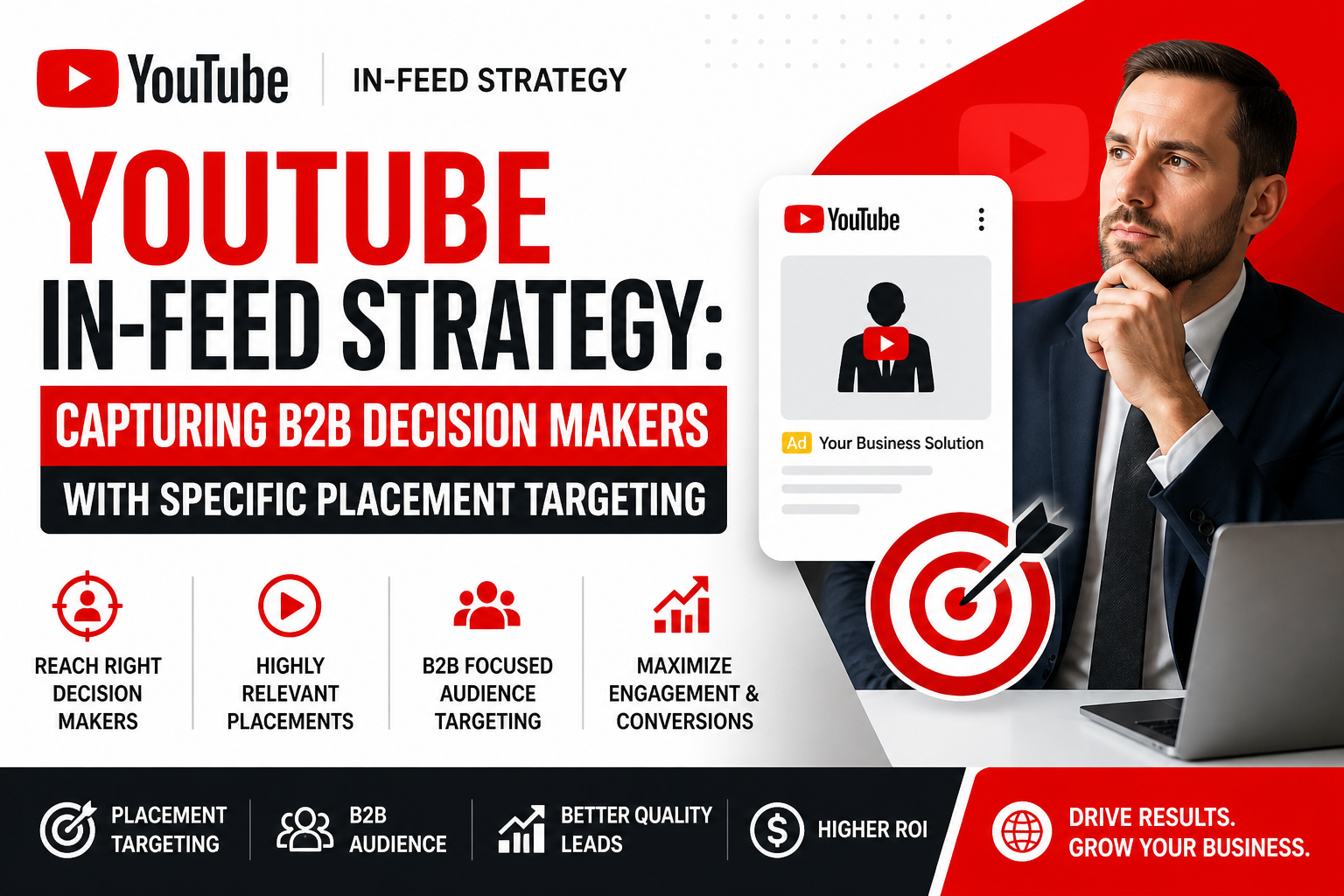
Everything you need to go from beginner to professional — step by step.
📦 Module 1: Introduction to YouTube Ads
YouTube Ads kya hain aur kyun zaroori hain
YouTube Ads vs Google Search Ads vs Facebook Ads
YouTube Ads ke fayde:
2 Billion+ monthly users
Video format — high engagement
Cheap CPV — India mein ₹0.10 – ₹0.50 per view
Skippable — paisa sirf interested logo par
Brand recall highest — video se
Kaun kaun use kar sakta hai:
🎓 Coaches & educators
🛍️ E-commerce brands
💼 Local businesses
📱 App developers
🏥 Doctors & professionals
YouTube Ads ka future — India mein scope
📦 Module 2: YouTube Channel & Google Ads Setup
YouTube channel professionally setup karna
Google Ads account banana:
ads.google.com par jaao
Gmail se login karo
Billing — INR mein set karo
YouTube Channel ko Google Ads se link karna:
Google Ads → Tools → Linked Accounts
YouTube → Channel add karo
Verify karo
Brand Account vs Personal Account — kya use karein
Google Ads dashboard overview
📦 Module 3: YouTube Ad Formats — Poori Jankari
Skippable In-Stream Ads:
5 second baad skip ho sakti hai
30 second se zyada honi chahiye
Paisa tabhi lagta hai jab 30 sec dekhe ya interact kare
Best for: Brand awareness + conversions
Non-Skippable In-Stream Ads:
15-20 second — skip nahi hoti
CPM based billing
Best for: Short powerful message
Bumper Ads:
Sirf 6 second — non-skippable
CPM based
Best for: Brand recall
Video Discovery Ads:
YouTube search results mein dikhti hai
Homepage par dikhti hai
CPC based — sirf click par paisa
Best for: Channel growth
Shorts Ads:
YouTube Shorts feed mein
Vertical video format
Fast growing format
Masthead Ads:
YouTube homepage par top banner
Enterprise level — bahut costly
Har format ke specs & best use case
📦 Module 4: YouTube Ad Video Banana
Video ad kitni lambi honi chahiye — format wise
Perfect Ad Structure — AIDA Formula:
A — Attention: Pehle 5 second mein hook
I — Interest: Problem batao
D — Desire: Solution dikhao
A — Action: CTA clear karo
Pehle 5 Second — Sabse Zaroori:
Skip button aane se pehle attention pakdo
Question se start karo
Bold statement se start karo
Shocking fact se start karo
Script likhna — step by step
Mobile par video shoot karna — professional quality
Free Editing Tools:
CapCut — mobile
DaVinci Resolve — PC
VN Video Editor
Subtitles add karna — engagement badhti hai
Background music — copyright free
Thumbnail banana — Discovery ads ke liye
📦 Module 5: Campaign Setup — Step by Step
Google Ads mein “New Campaign” click karo
Goal select karo:
Sales
Leads
Website Traffic
Brand Awareness & Reach
Product & Brand Consideration
Campaign Type: Video select karo
Campaign Subtype:
Video Views
Efficient Reach
Non-Skippable Reach
Target Frequency
Audio
Campaign name daalo
Bidding Strategy:
CPV — Cost Per View
CPM — Cost Per 1000 Impressions
Target CPA
Maximum CPV manual
📦 Module 6: Budget & Schedule
Daily Budget set karo:
Minimum: ₹100/day
Recommended: ₹300 – ₹500/day
Scaling: ₹1000+/day
Campaign dates set karo:
Start date — aaj
End date — optional
Ya continuous chalao
Ad Schedule:
Specific hours set karo
Best time — evening 6pm-11pm India
Weekend vs Weekday
Delivery method — Standard vs Accelerated
📦 Module 7: Targeting — Sahi Audience Pakdo
Geographic Targeting:
India — all states
Specific cities — Delhi, Mumbai, Agra
Pin code level targeting
Language Targeting:
Hindi
English
Regional languages
Demographic Targeting:
Age: 18-24, 25-34, 35-44, 45-54, 55+
Gender: Male/Female/Unknown
Parental Status
Household Income
Audience Segments:
Affinity Audiences:
Technology enthusiasts
Business professionals
Shoppers
In-Market Audiences:
Log jo abhi buy karne ki soch rahe hain
Education, Finance, Jobs
Custom Intent Audiences:
Specific keywords daalo
Competitor websites
Life Events:
Recently married
New job
Moving home
Remarketing Audiences:
Website visitors
YouTube channel visitors
Video viewers
App users
📦 Module 8: Placement Targeting
Specific YouTube Channels target karo:
Competitor channels
Niche relevant channels
Big channels — Cricket, Bollywood
Specific Videos target karo:
Viral videos par ad dikhao
Competitor videos par ad
Topics Targeting:
Education
Technology
Finance
Entertainment
Keywords Targeting:
Video keywords daalo
Jo video ke content mein match kare
Placement + Audience combo — powerful targeting
📦 Module 9: Ad Group & Ad Setup
Ad Group banana
Video Ad Upload karna:
YouTube par video upload karo — Unlisted
URL copy karo
Google Ads mein paste karo
Ad Details fill karo:
Final URL — landing page
Display URL
CTA button select karo:
Learn More
Shop Now
Sign Up
Download
Get Quote
Headline — 15 characters
Long headline — 90 characters
Description — 70 characters
Companion Banner:
Automatic — YouTube se generate
Custom — upload karo
Ad preview check karo — mobile & desktop
📦 Module 10: Google Tag & Conversion Tracking
Conversion Tracking kyun zaroori hai:
Pata chale kitni leads/sales aaye ads se
Optimization possible hoga
Conversion Action banana:
Google Ads → Tools → Conversions
New conversion action
Website choose karo
Lead / Purchase select karo
Google Tag install karna:
Website par Global Site Tag daalo
Ya Google Tag Manager use karo
YouTube View-Through Conversions:
Jo log ad dekhe aur baad mein convert hue
Attribution window set karo
Conversion test karna — verify karo
📦 Module 11: YouTube Ads Optimization
Data aane ke baad optimize karo — 3-5 din baad
Creative Optimization:
Low performing ads pause karo
New variations test karo
Hook improve karo
Audience Optimization:
Best performing audience identify karo
Underperforming segments exclude karo
Bid adjustment karo
Placement Optimization:
Irrelevant channels exclude karo
Placement report check karo
Blacklist bad placements
Keyword Optimization:
Irrelevant keywords remove karo
New performing keywords add karo
A/B Testing:
2 different videos test karo
2 different audiences test karo
2 different CTAs test karo
📦 Module 12: YouTube Ads Analytics
Key Metrics samjho:
Metric
Matlab
Views
Kitne log ne video dekhi
View Rate
Views/Impressions %
CPV
Cost per view
CTR
CTA par click rate
Conversions
Leads/Sales
CPA
Cost per conversion
VTR
View through rate
Earned Actions
Organic likes/subs from ad
Google Analytics 4 se connect karo
Audience insights report
Geographic performance report
Device performance — mobile vs desktop
Client ke liye monthly report banana
📦 Module 13: Real World Campaign Projects
🎓 Project 1 — Course Promotion
DigiWebEngineers course promote karna
Students ko target karna
Lead generation campaign
₹5,000 mein 200+ leads
🛍️ Project 2 — E-commerce Campaign
Product launch video ad
Shopping intent audience
Purchase conversion campaign
🏥 Project 3 — Local Business
Doctor / CA / Lawyer
Local city targeting
Call lead generation
💼 Project 4 — B2B Campaign
Business owners target karna
LinkedIn interest audience
Webinar registration campaign
📦 Module 14: Scaling — ₹1 Lakh/Month Campaign
Profitable campaign identify karna
Horizontal Scaling:
Naye audiences add karo
Naye placements add karo
Naye videos banana
Vertical Scaling:
Budget daily 20% badhao
Bid increase karo
Budget ₹500 → ₹5,000/day kaise le jaayein
Seasonal scaling — festival campaigns
Multi-campaign funnel banana:
Awareness → Consideration → Conversion
📦 Bonus Module: Freelancing & Agency
Clients ke liye YouTube Ads run karna
Pricing:
Campaign Setup: ₹10,000 – ₹25,000
Monthly Management: ₹15,000 – ₹50,000/month
Video production add-on: ₹5,000 – ₹15,000
Proposal & quotation banana
Client onboarding process
Reporting dashboard banana
₹50,000 – ₹2,00,000/month agency income
📊 Course Structure Summary
Module
Topic
Duration
1
Introduction
2 Days
2
Setup
1 Day
3
Ad Formats
2 Days
4
Video Banana
3 Days
5
Campaign Setup
2 Days
6
Budget & Schedule
1 Day
7
Targeting
3 Days
8
Placement
2 Days
9
Ad Group & Ad
2 Days
10
Conversion Tracking
2 Days
11
Optimization
3 Days
12
Analytics
2 Days
13
Real Projects
5 Days
14
Scaling
3 Days
Bonus
Freelancing
2 Days
Total
~7 Weeks
🛠️ Tools Jo Is Course Mein Use Honge
Tool
Kaam
Google Ads
Campaign management
YouTube Studio
Video upload & analytics
Google Analytics 4
Conversion tracking
Google Tag Manager
Tag install
CapCut / DaVinci
Video editing
Canva
Thumbnail & banner
Google Keyword Planner
Keyword research
Google Sheets
Reporting
💰 Course Outcome — Students Ko Kya Milega
✅ YouTube Ads professionally run kar sakte hain ✅ Video ads khud bana sakte hain ✅ Any business ke liye YouTube campaign setup kar sakte hain ✅ Conversion tracking master kar sakte hain ✅ Clients ke liye YouTube Ads agency run kar sakte hain ✅ ₹30,000 – ₹2,00,000/month kama sakte hain ✅ Certificate milega DigiWebEngineers ka
Manage Consent
To provide the best experiences, we use technologies like cookies to store and/or access device information. Consenting to these technologies will allow us to process data such as browsing behavior or unique IDs on this site. Not consenting or withdrawing consent, may adversely affect certain features and functions.
Functional
Always active
The technical storage or access is strictly necessary for the legitimate purpose of enabling the use of a specific service explicitly requested by the subscriber or user, or for the sole purpose of carrying out the transmission of a communication over an electronic communications network.
Preferences
The technical storage or access is necessary for the legitimate purpose of storing preferences that are not requested by the subscriber or user.
Statistics
The technical storage or access that is used exclusively for statistical purposes.The technical storage or access that is used exclusively for anonymous statistical purposes. Without a subpoena, voluntary compliance on the part of your Internet Service Provider, or additional records from a third party, information stored or retrieved for this purpose alone cannot usually be used to identify you.
Marketing
The technical storage or access is required to create user profiles to send advertising, or to track the user on a website or across several websites for similar marketing purposes.